
Technical
Run Breathedge 2 smooth: system requirements, performance and graphics settings, controls and controller support, save data, crash and issue fixes.
Introduction
The technical category collects everything you need to run Breathedge 2 smoothly on Steam. The official system requirements target a 64-bit Windows 10/11, an Intel i5-8400 or AMD Ryzen 5 2600 CPU, 12 GB of RAM, a GTX 1660 6GB or RX 5500 XT 6GB GPU, DirectX 11 and roughly 15 GB of storage. The game supports full controller input including DualShock and DualSense, uses Steam Cloud saves, and offers 12 languages with full audio in English and Russian. This category explains how to check your specs against the requirements, tune graphics and performance settings for a smooth first launch, configure controls on keyboard and controller, and handle saves and backup. It also collects fixes for crashes, FPS drops and stuttering that demo players and early-access users have reported, along with general troubleshooting and driver advice. Because technical issues vary by hardware, the guides include practical step-by-step checks that work across common configurations.
System Requirements Quick Reference
| Component | Minimum | Notes |
|---|---|---|
| OS | 64-bit Windows 10 / 11 | 64-bit required, DX11 |
| CPU | i5-8400 / Ryzen 5 2600 | 6-core class desktop CPUs |
| RAM | 12 GB | Minimum system memory |
| GPU | GTX 1660 6GB / RX 5500 XT 6GB | DirectX 11 capable |
| Storage | 15 GB | Available disk space |
Tech Topics
System Requirements
The official minimum spec for Breathedge 2 on Steam, plus how to compare your hardware before you buy.
Performance Tuning
Graphics settings, shadow quality, resolution scaling and other knobs that bring FPS up on mid-range hardware.
Controls & Controller
Full controller support including DualShock and DualSense, plus keyboard remapping and the control scheme guide.
Fixes & Troubleshooting
Fixes for crashes, FPS drops and stuttering reported during the demo and early access, plus general troubleshooting steps.
Languages & Audio
Breathedge 2 supports 12 languages with full audio in English and Russian, and subtitles for the rest.
Core Mechanics
Technical guides are organized around the verified system requirements and the settings that matter most. The minimum spec — a 64-bit Windows 10 or 11, an i5-8400 or Ryzen 5 2600, 12 GB of RAM, a GTX 1660 or RX 5500 XT, DirectX 11 and 15 GB of storage — defines the baseline your hardware must meet. The guides then explain how to check your exact configuration, how to tune graphics settings for the best frame rate on your hardware, and how to balance visual quality with performance. Controls coverage includes the full keyboard layout as well as the controller support for DualShock and DualSense, plus remapping guidance for comfort. Save data is handled by Steam Cloud, and the guides explain how to enable backup and what to do if a save goes wrong. Troubleshooting articles collect crashes, FPS drops and stuttering reports from demo and early access players with step-by-step fixes, starting with the cheapest checks — drivers, background apps and settings — before hardware-specific advice.
Advantages
For a survival game where a crash can mean losing a long scavenging session, technical preparation is genuinely valuable. The system requirements guide helps you decide whether your hardware can handle early access before you spend money, and the performance tuning guides squeeze extra FPS out of mid-range machines so the game stays playable. Controller support coverage matters for players who prefer gamepads, with the DualShock and DualSense guidance helping them configure the game for comfort. The troubleshooting collection is built from real demo and early access reports, giving you practical fixes rather than generic advice. And because the wiki tracks updates, the technical articles are kept current with any fixes or changes the developers ship during early access. In short, this category reduces the time wasted on crashes and performance frustration so you can spend more time actually surviving in space.
Challenges
Technical advice is hardware-dependent and time-sensitive. What works on one GPU or driver version may not work on another, and early access builds are frequently patched with performance and stability fixes that can invalidate older troubleshooting advice. System requirements represent the official minimum, but recommended requirements have not been published at the same level of detail, so performance expectations for high-end machines are partly inferred. Some reported demo issues may be fixed by launch, while new issues can appear in the live early access build. Players with very old or very new hardware may fall outside the guide examples, so the troubleshooting steps are deliberately generic first and become more specific only when the issue is reproducible across configurations.
Frequently Asked Questions
What are the Breathedge 2 system requirements?+
Does Breathedge 2 support controllers?+
My game stutters or drops FPS — what should I do?+
Quick Tips
Verify your hardware against the official minimum spec before buying early access. The requirements guide includes a step-by-step check using Windows system info, and comparing your CPU, RAM and GPU takes about five minutes. If your machine sits below the minimum, expect lower settings and possible performance issues; if you are near the line, buying with a refund window in mind gives you a safe way to test the actual performance before committing.
Lower shadow quality and volumetric effects before touching resolution scaling. These two settings usually deliver the biggest frame rate gain with the least visual impact in Breathedge 2, and they are the first tuning step in the performance guide. Test each change with a quick outdoor scene where the camera pans across terrain, since indoor and outdoor performance can differ significantly in a survival game with open-space zones.
Enable Steam Cloud and make a manual save backup after every major session. Steam Cloud keeps your progress synced, and a manual folder backup protects you against rare sync conflicts or corruption after a crash. The save guide explains exactly where the save files live and how to restore them. In a resource-heavy survival game, an hour of scavenging is a lot to lose to a sync error — prevention is trivial and worth it.
Use controller-friendly keybinds even with keyboard if you plan to play long sessions. Rebinding oxygen checks, quick-craft and inventory to comfortable keys prevents finger fatigue and repeated misclicks during tense survival moments. The controls guide lists the defaults and suggests ergonomic remaps, and Steam input lets controller players fine-tune analog sensitivity for movement and aiming.
Featured
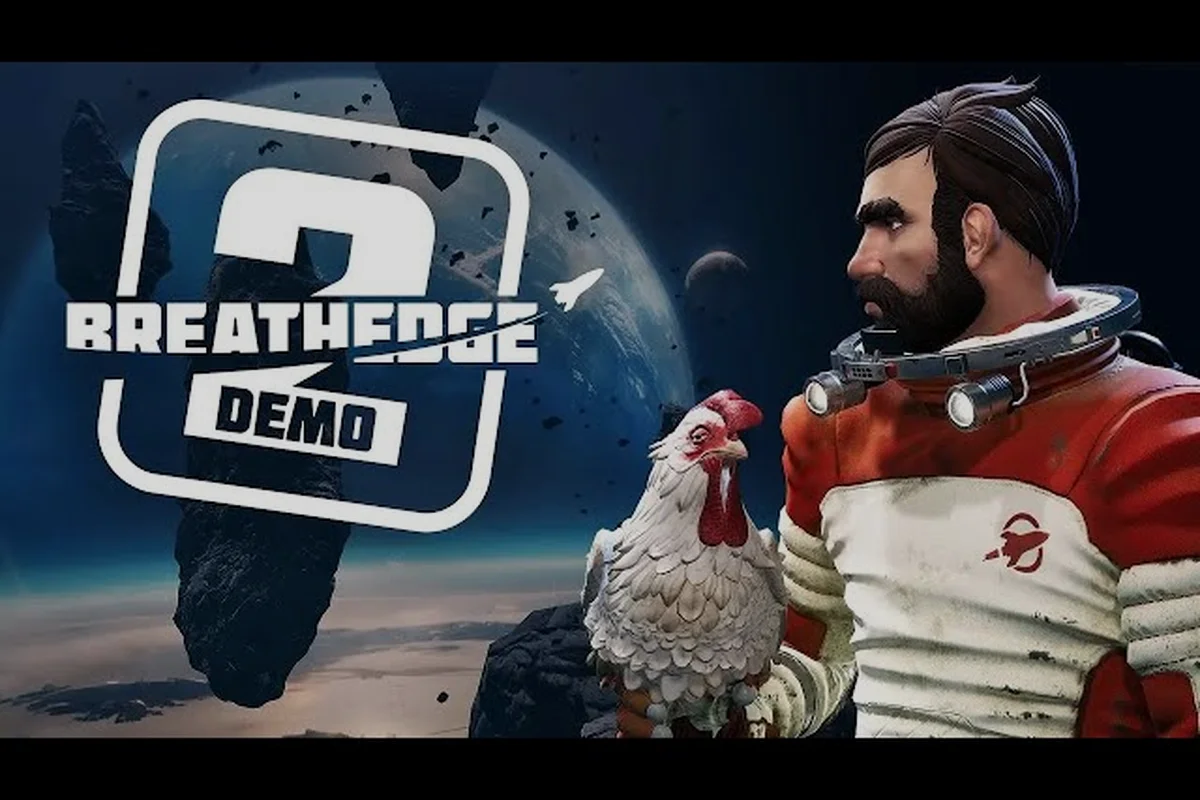
Breathedge 2 system requirements: minimum specs listed
Check the Breathedge 2 system requirements before you buy: Windows 10/11, 12 GB RAM, and a GTX 1660 for minimum settings. See the full specs here.
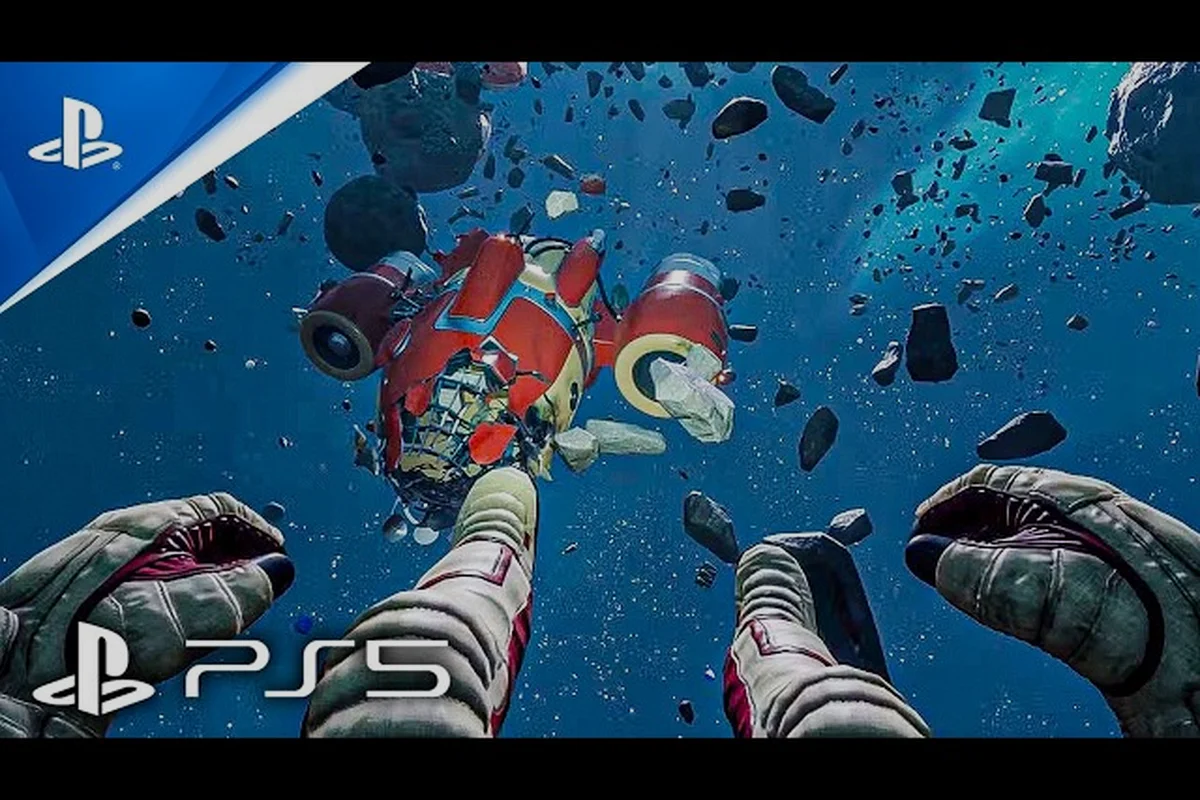
Breathedge 2 best settings: optimize your PC for more FPS
Dial in the Breathedge 2 best settings for smooth performance on Windows 10 and 11. Match graphics options to your GPU and RAM for a stable frame rate.
Breathedge 2 English audio: voice acting and dubbing
Listen in English: Breathedge 2 English audio stars full voice acting alongside Russian. All 12 languages include subtitles for the Man's comedy.
All Articles
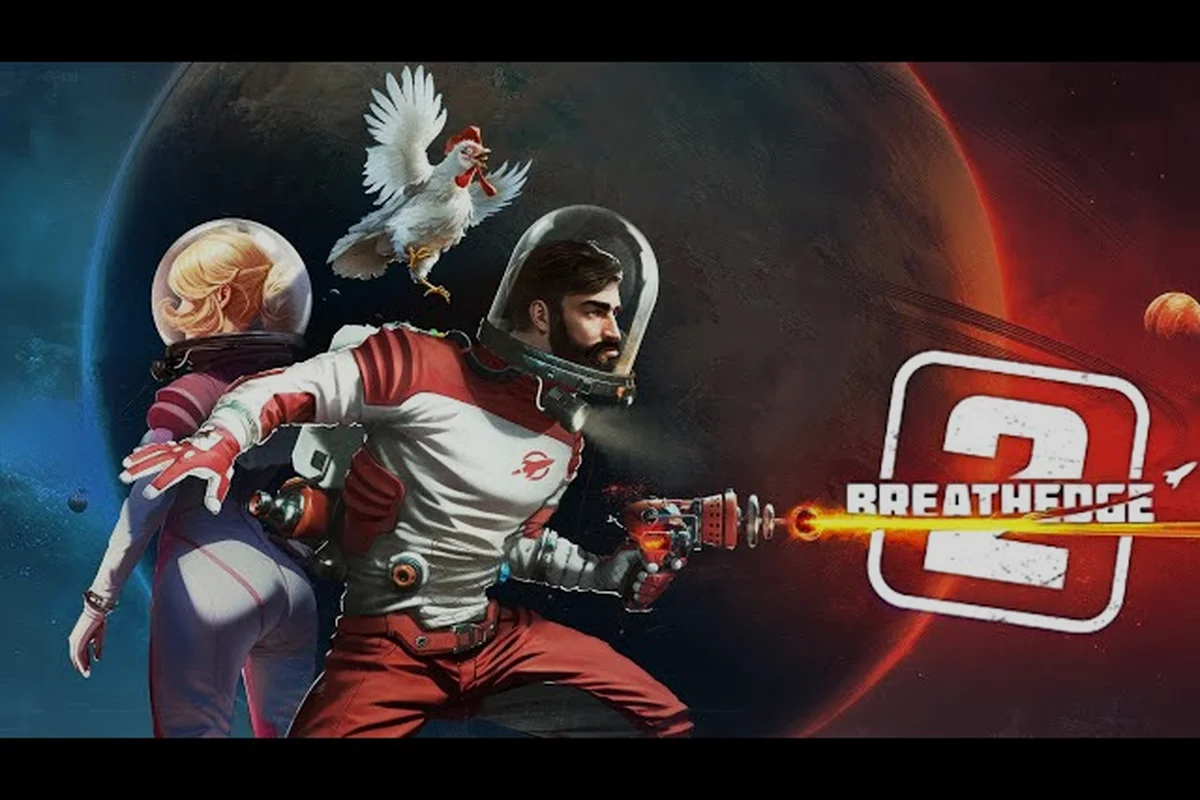
Breathedge 2 achievements: what Steam support looks like
What Breathedge 2 achievements will Steam list? The store page does not show them yet, so this page covers what to expect from Early Access.
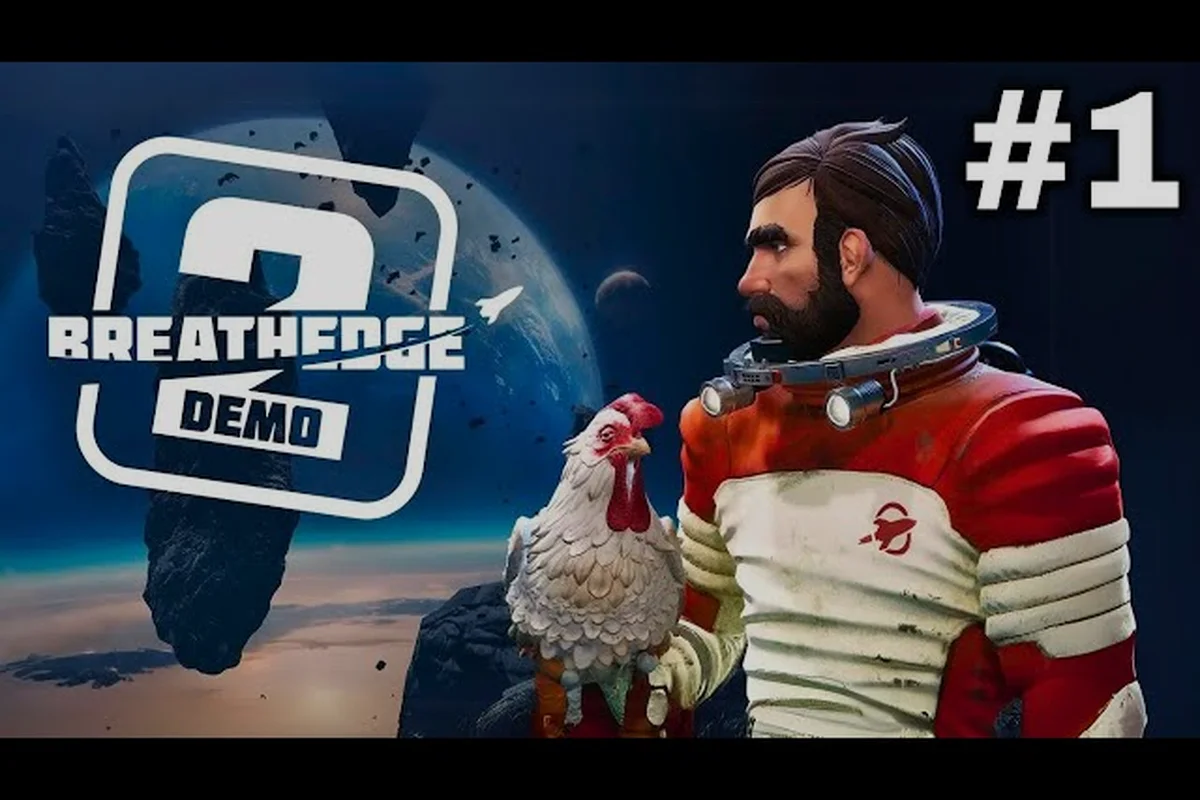
Breathedge 2 controls: keybindings and controller support
Learn the Breathedge 2 controls and keybindings for survival, crafting, and vehicles. The game offers full controller support on Steam right away.
Breathedge 2 launch fix: solve crashes and startup errors
Fix Breathedge 2 launch crashes and startup errors before you rage quit. These steps cover common Early Access issues, drivers, and verification.
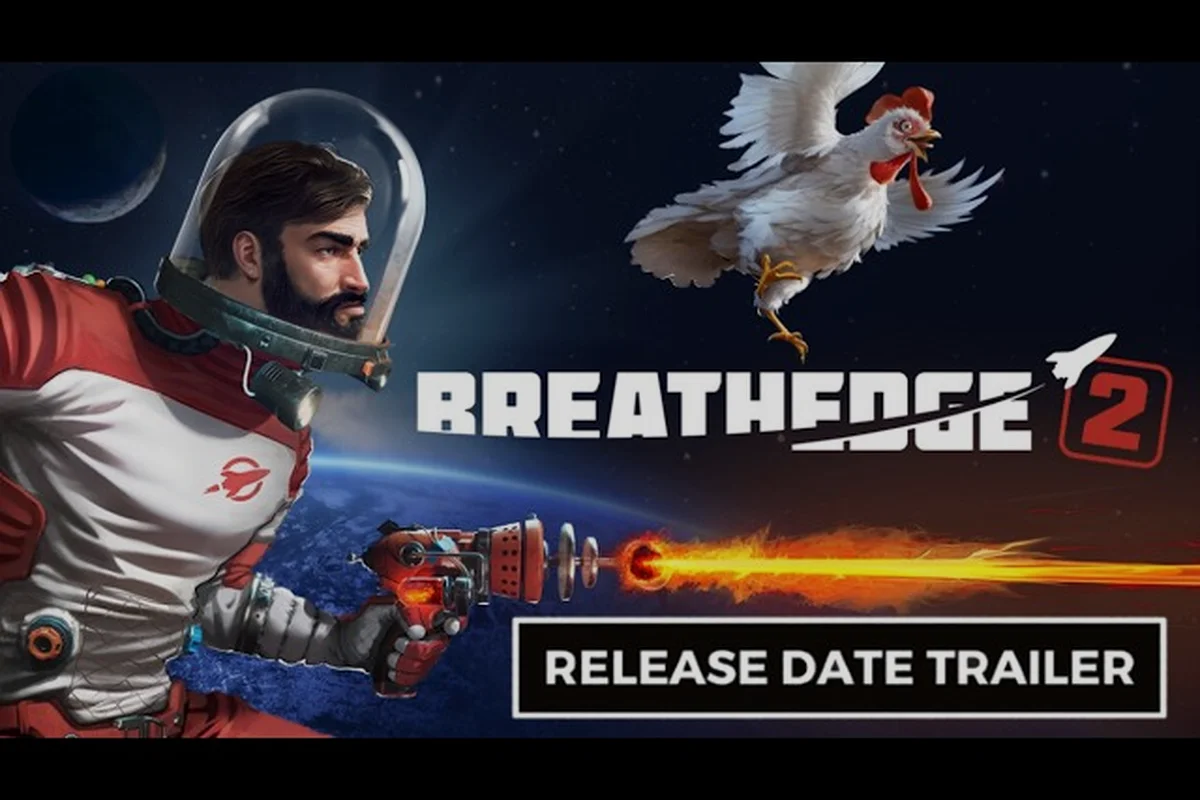
Breathedge 2 save file: Steam Cloud and save locations
Locate the Breathedge 2 save file and rely on Steam Cloud backups. We explain where saves live, how autosave works, and how to keep progress safe.